HexEditIX, part 1
I use hex editors a lot. In particular, I use XVI32 a lot. While it's a very nice hex editor, I feel that some extra functionality in many areas would be very nice. For example:
- Ability to open 'massive' (i.e. between 4 and 100 GB) files (XVI32 is limited to 2GB)
- Faster loading of 'large' (i.e. between 100 MB and 4 GB) files
- Plugin system to extend the editor in various parts
- 'Data transformation' system to facilitate data [de]compression and [de|en]cryption within the editor
- 'Structure analysis' system to facilitate viewing the structure of a known formats (e.g. Relic Chunky files) - extended to new formats using the plugin system
- More options for the data inspector (i.e. "byte: 0xf4, x86 instruction: hlt") - again, extended via aforementioned plugins
- More built-in checksums (XVI32 only calculates CRC16 and CRC32)
- 'Data visualisation' system to facilitate viewing plaintext or image data in a suitable manner
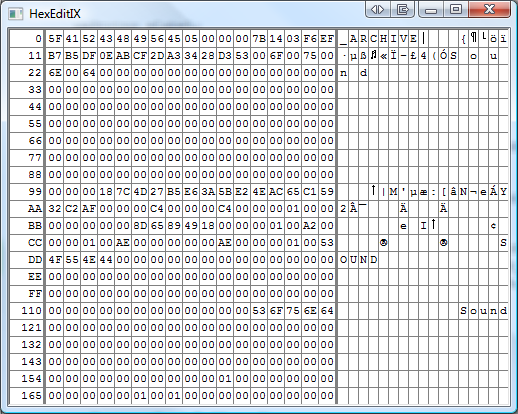
As such, I'm writing my own hex editor, HexEditIX, the first development screenshot of which is shown below. (of course, it's not much of an editor yet, but that's software development for you - you have to start somewhere)